PrestiCue
iOS
One press. Your cue.
Press To Cue. Fire the right sound at the right moment with a single click of a Flic Bluetooth button, from your pocket, with the phone locked. No tech crew, no fumbling.
iOS
One press. Your cue.
Press To Cue. Fire the right sound at the right moment with a single click of a Flic Bluetooth button, from your pocket, with the phone locked. No tech crew, no fumbling.
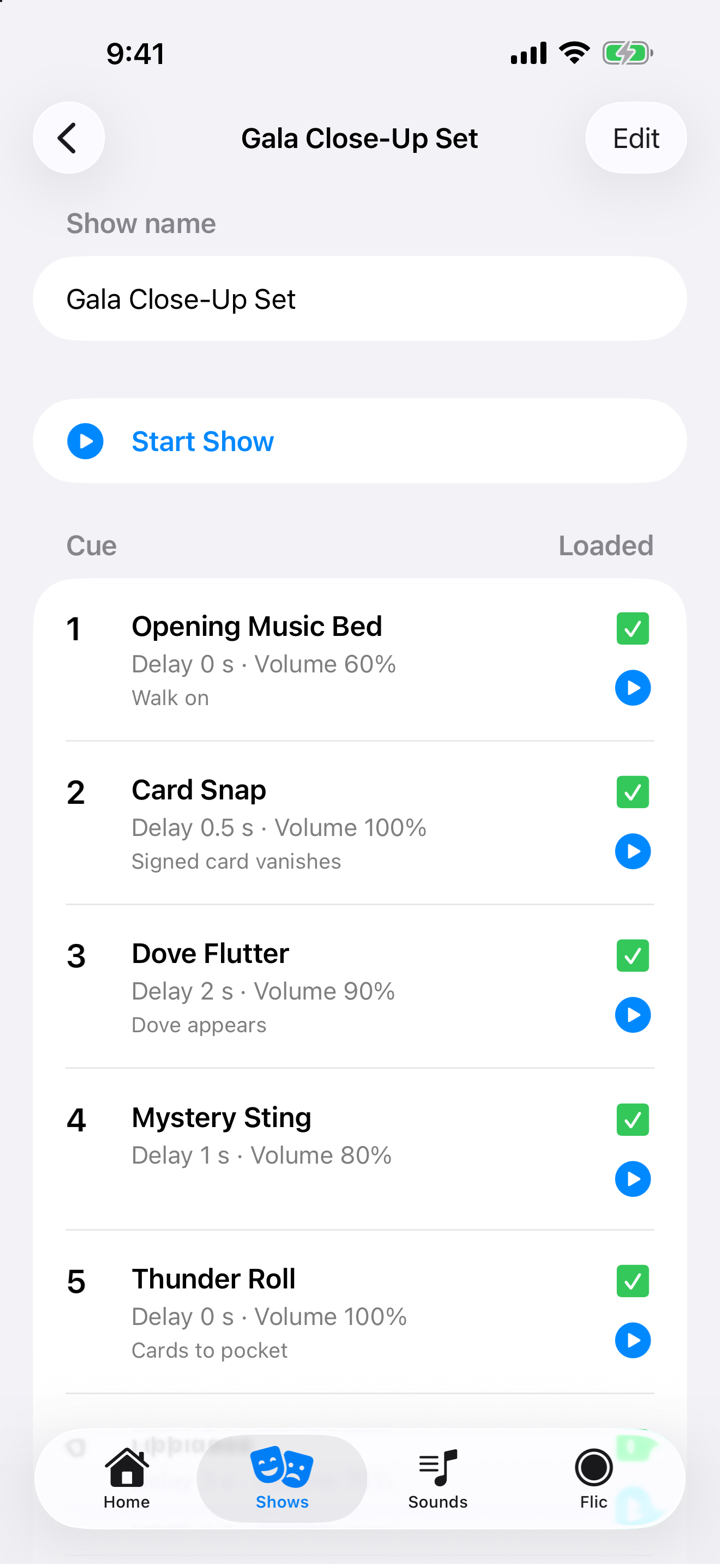
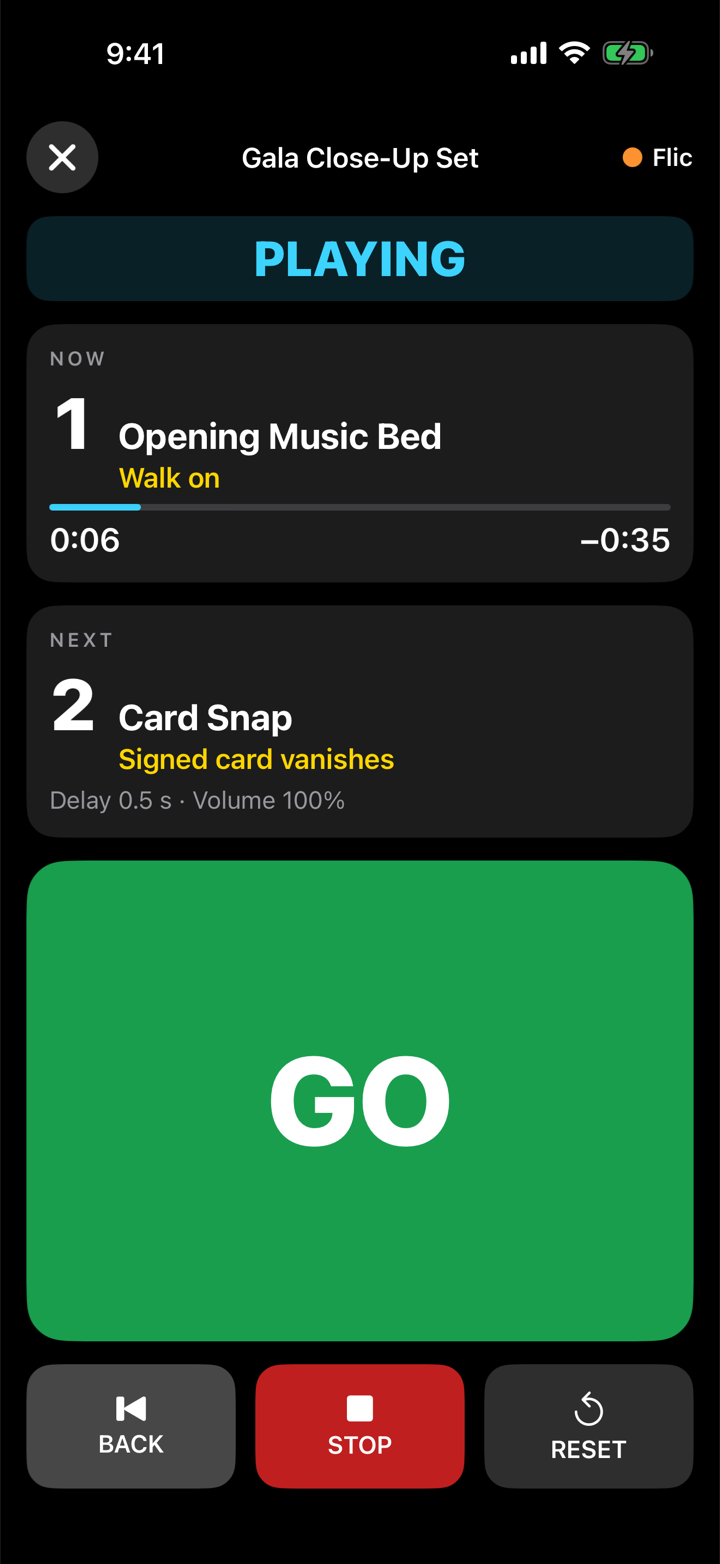
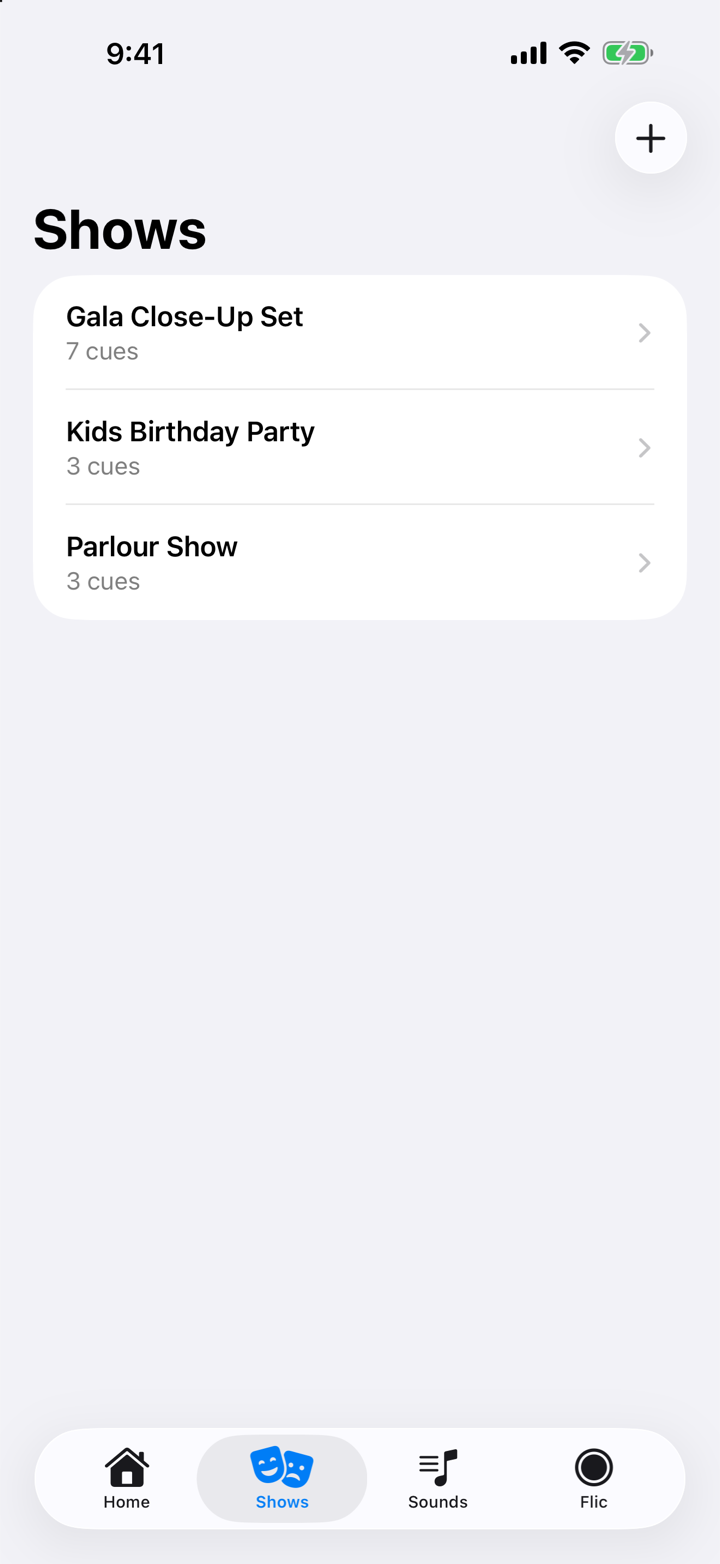
Build a show as an ordered list of sounds. Each click of your Flic button fades out the current sound and starts the next. The big on-screen GO, STOP and BACK buttons always work too.
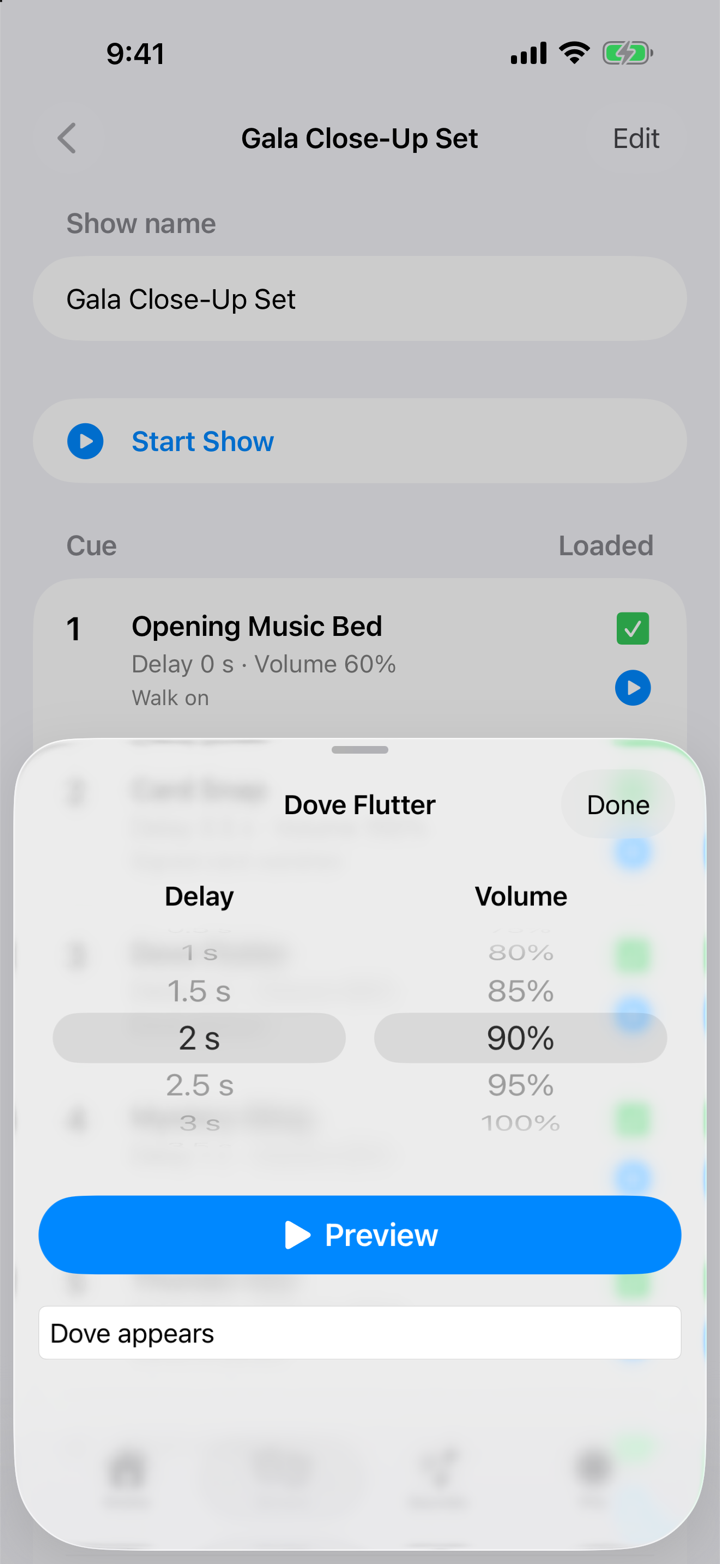
Give every cue its own pause between the press and the sound, and its own volume. The delay runs on the audio clock, so it stays accurate.
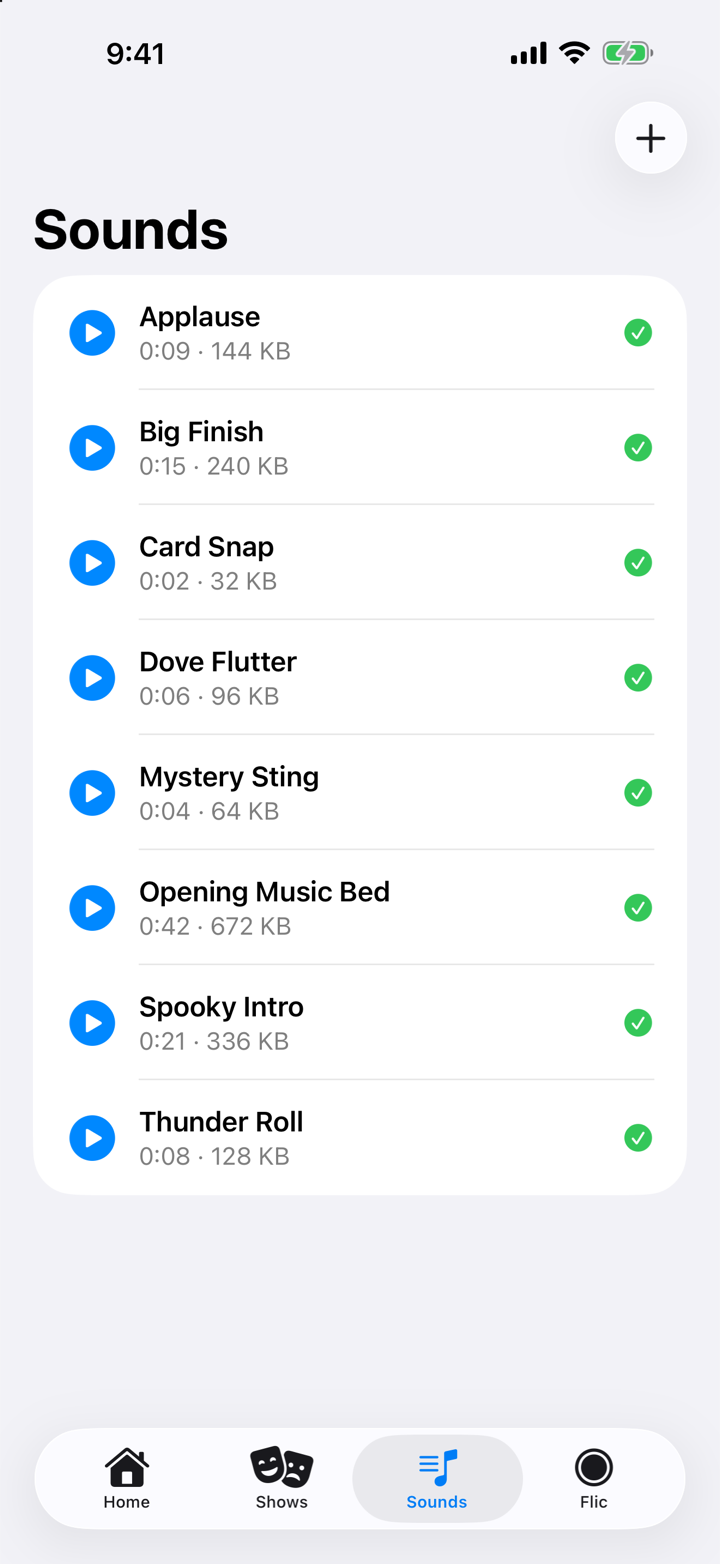
Choose sounds from iCloud Drive or Files. PrestiCue copies them onto your phone, so a show never depends on Wi-Fi at the venue. Your originals are never changed.
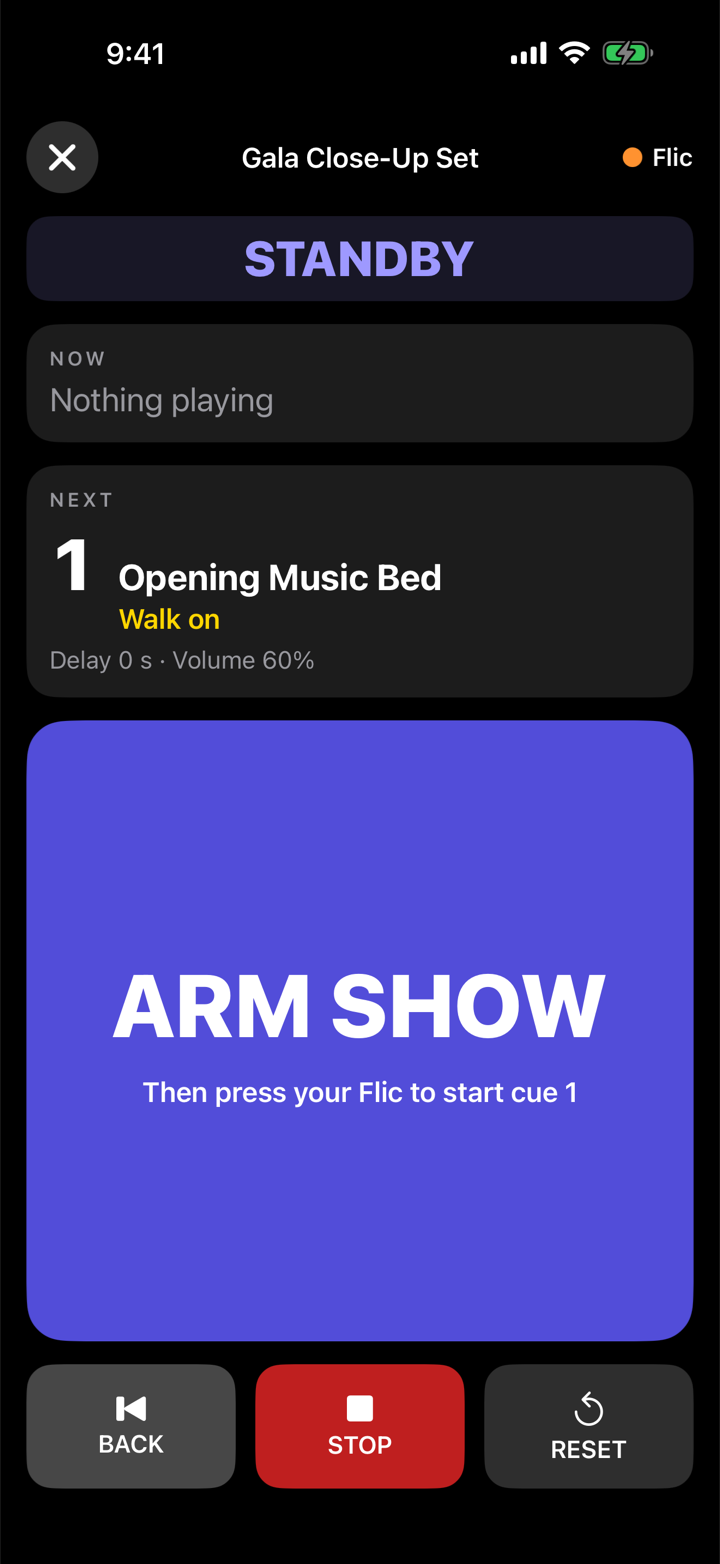
Arm the show before you start so a stray tap cannot play anything. Works with the screen locked, reconnects a Flic that drops out, and offers to resume if the app is closed.
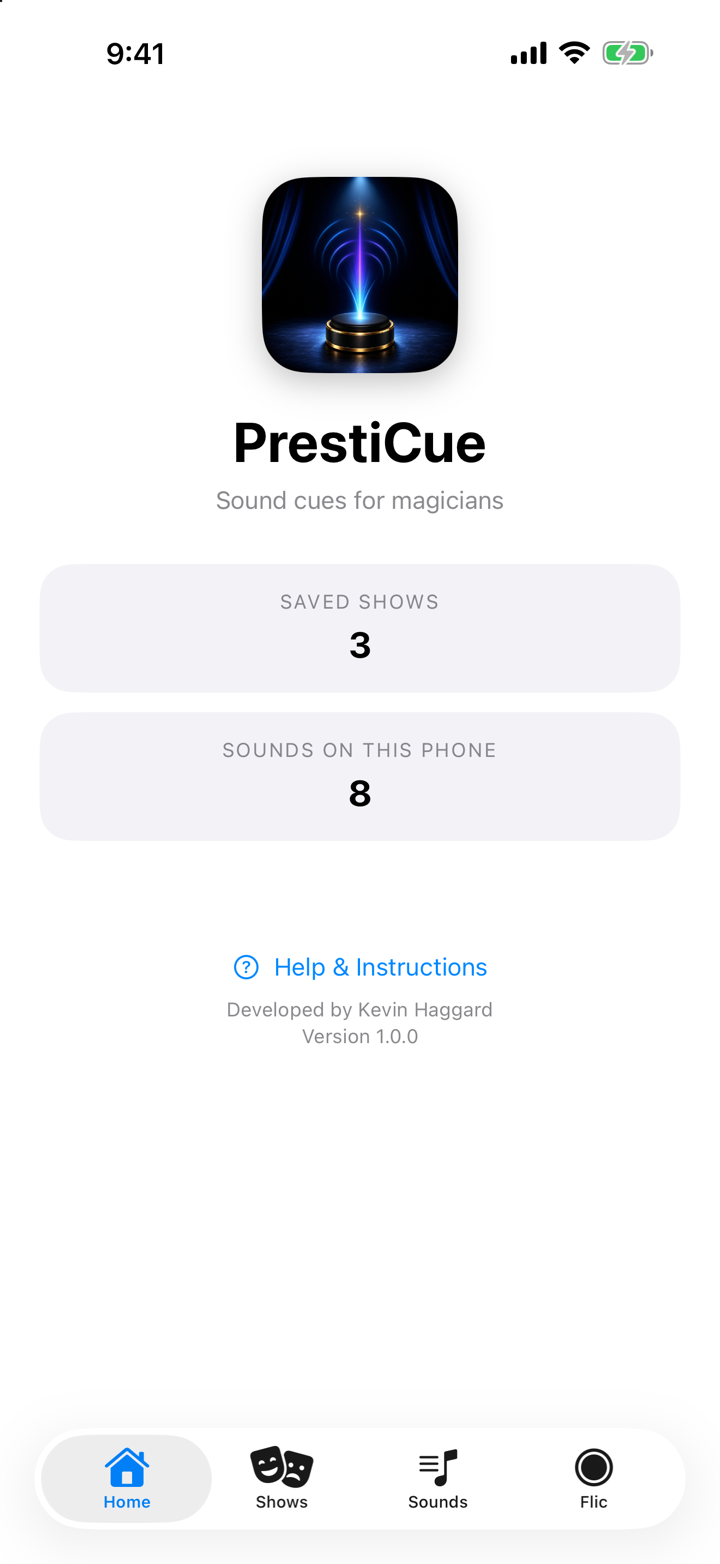
No account, no ads, no data collected. Works with a Flic 2 button (sold separately) or on its own with the on-screen controls.